
Seventy-six percent of developers now use AI coding tools like GitHub Copilot, ChatGPT, or Claude for writing, refactoring, or reviewing code. The adoption happened fast. Google's CEO, Sundar Pichai, described spending his spare time "vibe coding" with Replit, claiming, "The power of what you're going to be able to create on the web, we haven't given that power to developers in 25 years."
The tools differ in how they're trained. One class predicts the next token based on patterns in code repositories. The other evaluates whether the generated code actually works. That training difference determines where each one fails.
Token prediction models generate code that looks plausible. They autocomplete based on what typically comes next in similar contexts. Evaluation models generate code that passes tests, even if it takes longer to produce.
The distinction matters when failure modes diverge. One produces code that compiles but breaks under edge cases. The other catches errors before they ship, but costs more in tokens and latency.
The two main categories of AI tools for developers
The market breaks AI coding tools into two operating modes, which include the following:
Assistive tools
These tools wait for your input. They suggest completions, answer questions, and flag issues. However, every action requires your prompt. GitHub Copilot, Tabnine, and most code review tools operate this way.
Agentic tools
These tools act autonomously. They plan multi-step tasks, execute shell commands, modify files across your codebase, and make decisions with minimal human oversight. Claude Code, Aider, and Cline represent this newer category.
Based on these two categories, here are the available AI tools for developers currently in the market today:
Let’s look at each AI tool in detail.
GitHub Copilot
GitHub Copilot remains the market leader in inline code completion. Powered by OpenAI Codex, it embeds directly in Visual Studio Code (VS Code), JetBrains, and Neovim to provide real-time suggestions as you type. The tool observes your current file context and suggests completions ranging from single lines to entire functions.
GitHub's ecosystem integration matters if your workflow already lives there. The tool works best with boilerplate code, common patterns, well-documented Application Programming Interfaces (APIs), and test scaffolding. GitHub's own code quality research showed measurable improvements for straightforward code following established conventions: readability up 3.62%, reliability up 2.94%, maintainability up 2.47%.
Where it breaks: security-critical code, proprietary frameworks, and unusual architectures. The pattern-matching approach means it reproduces common solutions effectively but struggles when your problem doesn't map cleanly to training examples. The suggestions are inline and immediate, which makes bad completions obvious and easy to reject. This forgiveness is why inline tools cause fewer compounding errors than autonomous agents.
Cursor
Cursor takes a different approach by forking VS Code and building chat, repository-aware edits, and code search directly into the interface. Rather than just completing lines, it's designed for "explain and edit this codebase" workflows.
The key differentiator: it reasons about your entire repository, not just the current file. This makes it stronger for refactoring and understanding unfamiliar codebases. When you ask it to rename a function, it finds all call sites across files and updates them consistently.
The trade-off is that not all VS Code extensions work seamlessly with the fork. If your workflow depends on specific extensions, test compatibility before committing.
Cursor Composer
Cursor Composer extends Cursor's capabilities into autonomous territory. It can reason about multi-file changes, plan refactoring across a codebase, and execute changes with approval checkpoints.
You describe what you want, it plans the implementation across files, shows you the plan, and executes after approval. This moves from "suggest a line" to "implement a feature," which multiplies both value and risk.
A subtle architectural mistake in one of five modified files doesn't surface until months later when you try to extend the system.
Tabnine
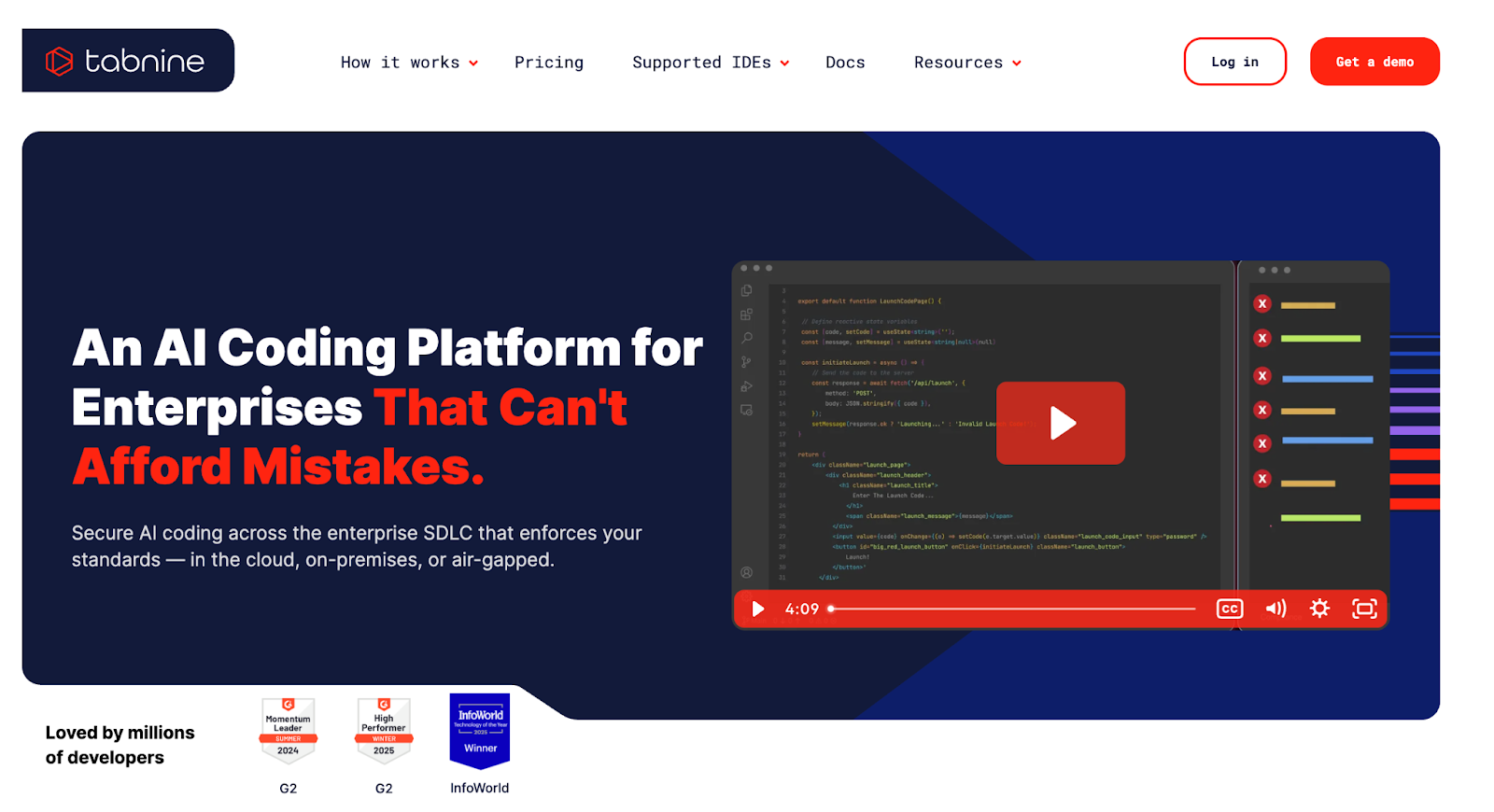
Tabnine differentiates itself through deployment flexibility and privacy guarantees. It offers both on-device and cloud models, with team-tunable suggestions and the ability to keep code on your local infrastructure in the enterprise version.
The critical feature: it can be trained on your specific codebase, making suggestions more consistent with your team's patterns. This matters when you're working with proprietary frameworks or internal conventions that public models never saw during training.
The trade-off is that it doesn't pull from public repositories the way Copilot does. Suggestions may be less intuitive for developers working with unfamiliar languages or frameworks, because the model hasn't learned from millions of public examples. The privacy story appeals to enterprises with strict data governance requirements, where sending code snippets to external servers violates policy.
Amazon Q Developer
Amazon Q Developer (formerly CodeWhisperer) provides real-time recommendations with built-in security scanning. It supports Java, Python, JavaScript, and integrates deeply with Amazon Web Services (AWS).
This tool shines in AWS-specific workflows. If you're building on AWS infrastructure, the API-focused recommendations understand AWS patterns better than general-purpose tools. It suggests code that follows AWS best practices for Lambda functions, DynamoDB queries, and S3 operations.
However, it tends to struggle outside the AWS ecosystem. The optimization for AWS means fewer helpful suggestions when you're working with non-AWS stacks. The built-in security scanning checks for common vulnerabilities and suggests fixes, which adds value for teams prioritizing security review automation.

CodeGeeX
CodeGeeX is an open-source multilingual assistant that provides code completion, language translation, and code comment generation. It's usable via Integrated Development Environment (IDE) plugins for VS Code and JetBrains.
The open-source nature appeals to developers who want to inspect the model, need on-premises deployment, or prefer open-source tooling for auditability. The code translation feature is genuinely helpful for porting projects between languages.
The limitation is that open-source models typically lag behind commercial offerings in suggestion quality, because they're trained on smaller datasets with less compute. The trade-off is transparency versus performance. You get full visibility into how the model works, but suggestions may require more manual refinement.
Replit Ghostwriter
Replit Ghostwriter provides in-browser IDE assistance with code completion, debugging, and project-scoped chat. It's designed for developers who prefer browser-based workflows or need to work across machines without local setup.
The browser-based approach trades local performance for accessibility. You can start coding on any machine with a browser, but you're dependent on a stable internet connection.
Developer assessment varies: some find it useful for quick prototyping, while others note it has "basically Copilot but with more hallucinations and an even shakier understanding of syntax," though improvements continue. The real value proposition is the zero-setup collaborative environment, not the AI suggestions themselves.
Qodo (formerly CodiumAI)
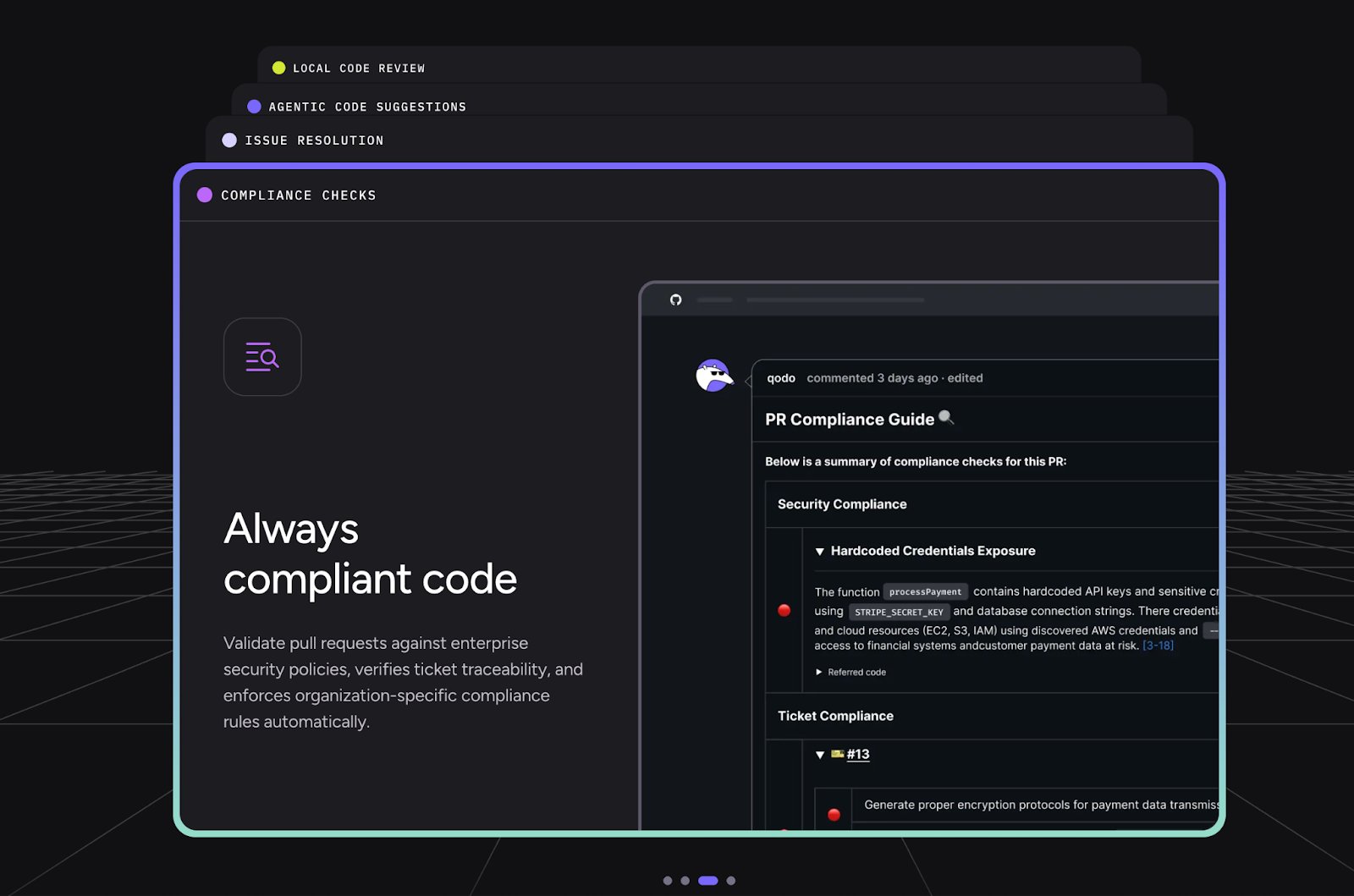
Qodo is an AI-powered code quality platform with specialized agents for different tasks: Qodo Gen for generating code and tests, Qodo Cover for improving test coverage, and Qodo Merge for pull request (PR) summaries and automated review. It integrates with VS Code, JetBrains, and continuous integration (CI) pipelines.
The key feature is context-aware suggestions powered by a Retrieval-Augmented Generation (RAG)-based intelligence engine that understands your codebase, conventions, and dependencies. The multi-agent architecture means one agent generates code while others manage testing and perform reviews. These agents ensure quality checks throughout the development cycle.
The test generation is useful but requires verification. AI-generated tests often check happy paths thoroughly but miss edge cases or make incorrect assumptions about business logic. The value is in scaffolding test structure, not in eliminating the need for human test design.
CodeRabbit
CodeRabbit provides PR-centric AI reviews with summaries and refactor suggestions. It integrates with GitHub and GitLab and automatically analyzes pull requests when they're opened.
Teams with high PR volumes who want automated first-pass review benefit from the tool catching style issues, obvious bugs, and documentation gaps before human reviewers look at the code. GitHub's research found code reviews were 15% faster with AI assistance.
The limitation across this category is that tools can identify potential problems but can't make final decisions. "This might be a bug" is useful; "this should definitely not ship" requires judgment about business context, team risk tolerance, and trade-offs these tools can't access. The value is in reducing reviewer cognitive load on mechanical issues, not in replacing human judgment on architectural decisions.
Image Source: https://github.blog/news-insights/research/research-quantifying-github-copilots-impact-on-code-quality/
Sourcegraph Cody
Sourcegraph Cody leverages codebase-wide context to enable precise code writing, bug fixing, and test generation. It's open-source (Apache 2.0) and integrates with multiple IDEs. Powered by advanced Large Language Models (LLMs), including Claude 3.5 Sonnet, its key differentiator is a deep understanding of codebases.
Cody builds an internal knowledge graph of your codebase, including symbols, dependencies, and call trees, to provide contextually relevant suggestions. This makes it stronger for large, complex codebases where a single-file context isn't enough. When you ask it to refactor a function, it understands which other modules depend on that function and how changes will propagate.
The limitation is its learning curve for optimal use. Getting the most from Cody requires understanding how to structure queries and leverage its codebase awareness. The tool rewards investment in learning its query language, which some teams view as overhead and others view as necessary depth.
Greptile and Sourcery
Greptile and Sourcery offer similar PR analysis capabilities with different integration approaches. Greptile focuses on understanding repository context by analyzing code structure and relationships. Sourcery emphasizes refactoring suggestions and code quality improvements, automatically suggesting ways to simplify complex functions or eliminate duplication.
Both integrate into PR workflows to provide automated feedback. The value proposition is consistent feedback on mechanical issues: style violations, obvious performance problems, and opportunities for simplification.
The limitation is that they can't evaluate whether the approach is correct for the business problem, only whether the code is clean by standard metrics.
Claude Code
Claude Code from Anthropic represents the autonomous agent approach. Unlike assistive tools that wait for prompts, it acts autonomously by planning multi-step tasks, executing shell commands, and modifying files directly while being aware of your project structure.
The vision is an AI that implements features rather than suggesting lines. You describe what you want built, and it plans the implementation, creates necessary files, writes code, runs tests, and iterates based on failures. This is the fundamental shift in how AI coding assistance works. The tool goes beyond coding to handle project-level tasks like setting up dependencies, configuring environments, and debugging integration issues.
The critical difference: autocomplete is forgiving because you see bad suggestions immediately and reject them. Agentic tools make more decisions with less oversight. Every failure mode compounds at machine speed. A subtle bug introduced during autonomous implementation might not surface until production, and by then the context of why that decision was made is lost.
Cline
Cline operates as a local-first task-based agent in VS Code. The key differentiator: Plan and Act workflow. You give it a goal, it plans steps, shows you exactly what it intends to do, and executes only after approval. It saves workspace states as snapshots for easy rollback if something goes wrong.
This approval checkpoint model provides more oversight than fully autonomous agents while still handling multi-step implementation. Cline supports flexible model backends such as Claude, DeepSeek, Gemini, and local models via Ollama. It's fully local with no telemetry, and open source for auditability.
The local-first approach appeals to teams with data sovereignty requirements or developers who want complete control over model selection and data handling. The trade-off is that you're responsible for model performance and updates, rather than relying on a managed service.
Aider
Aider takes a terminal-first approach. You chat with LLMs directly from your shell, grounded in your repository context. It applies diffs, runs commands, and modifies files, all from the command line.
It's suitable for developers who prefer command-line interface (CLI) workflows and want agents that integrate with existing terminal tooling. Rather than learning a new graphical interface, you interact through the terminal environment you already use for git, testing, and deployment. Aider can watch test output, understand error messages, and iterate on fixes without switching contexts.
The limitation is that the terminal interface provides less visual feedback than IDE integrations. You're trusting the agent to make sensible file modifications without seeing a visual diff first.
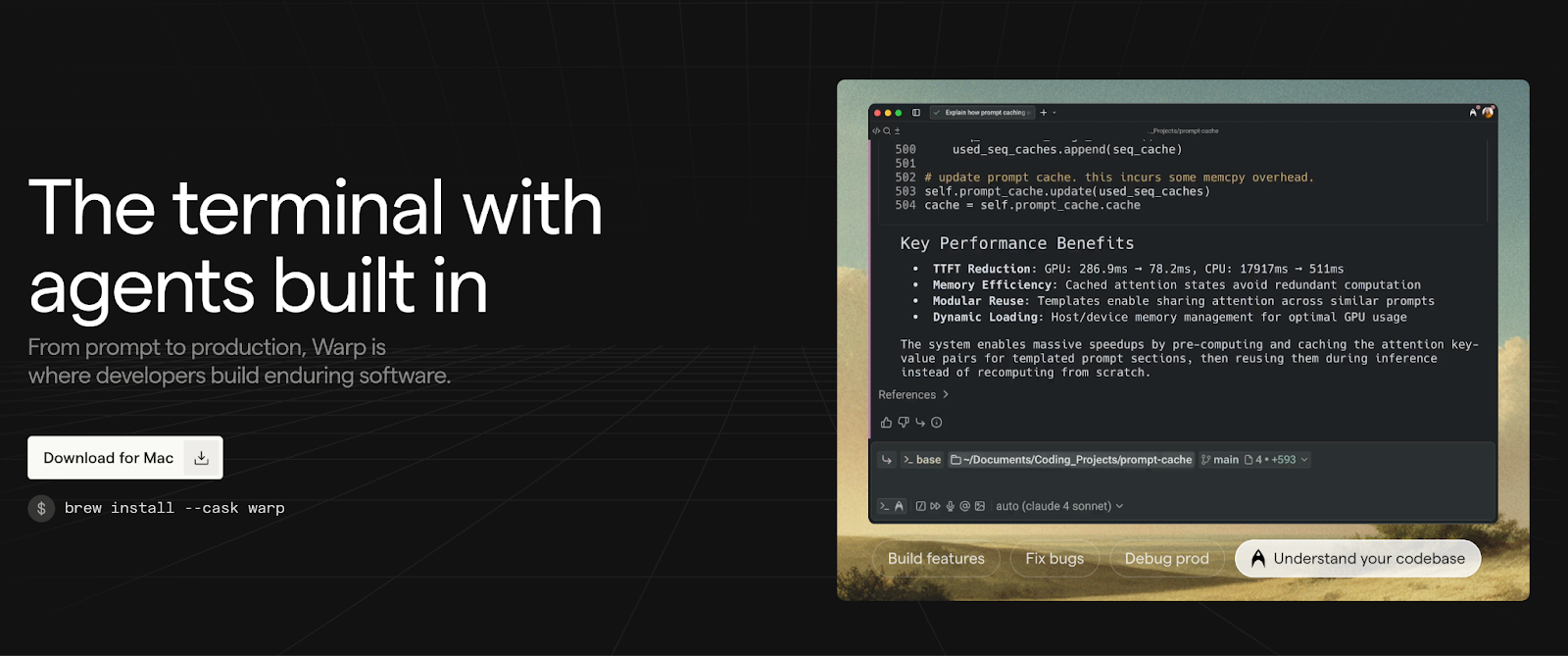
Warp
Warp is a modern Rust-based terminal with AI-powered command suggestions. It converts natural language prompts into shell commands and explains errors when things go wrong. The block-based interface groups inputs and outputs into clean, editable, shareable blocks, making terminal history more navigable than traditional scroll-through output.
Warp Drive lets you save, parameterize, and share terminal workflows across teams. This is useful for standardizing complex deployment scripts or onboarding new developers. Instead of maintaining documentation on "how to deploy to staging," you save the workflow in Warp and share it. New team members run the workflow with parameters, seeing each step and its output.
The AI component helps when you know what you want to accomplish but not the exact command syntax. The limitation is that it's a terminal replacement, which means adopting it requires changing your fundamental workflow tool.
Gemini CLI
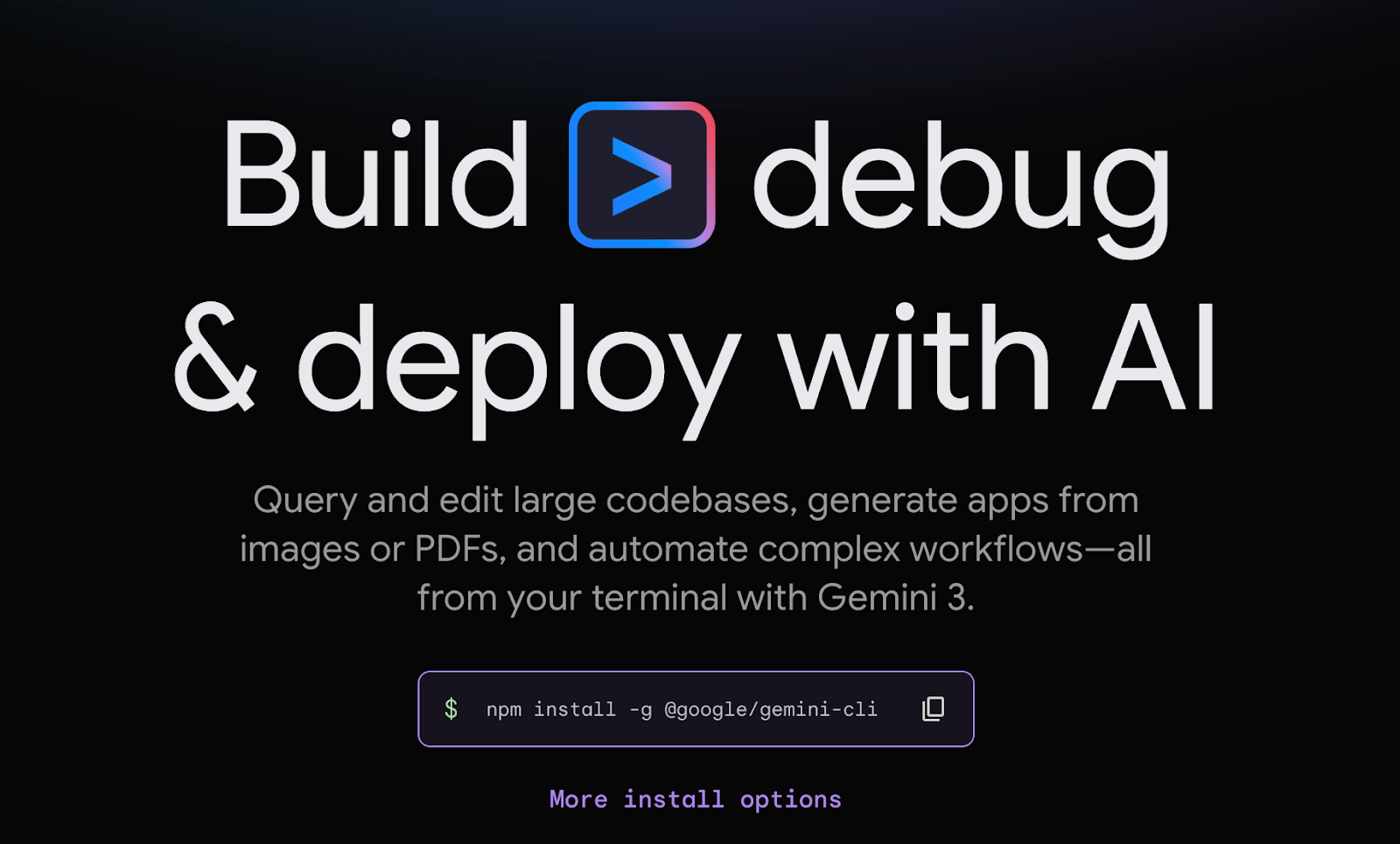
Gemini CLI brings Google's models directly into shell workflows. It operates in a ReAct-style loop, reasoning about your request before taking action. The generous free tier (60 requests per minute, 1,000 per day for individuals) makes it accessible for experimentation.
It runs on Gemini 2.5 Pro with a one-million-token context window, making it practical for large-codebase analysis. Native tools include grep, terminal execution, file read/write, and Google Search grounding. Licensed under Apache-2.0 for full inspection and extension.
The large context window means you can feed it entire codebases and ask architectural questions that require understanding relationships across many files. The limitation is that it's still in public preview, so APIs and feature stability are evolving. It's primarily terminal-based, with limited IDE integration, which means you're switching between your editor and terminal rather than having suggestions inline as you code.
How to use AI coding tools effectively
Understanding how AI coding assistants work changes how you should use them.
Treat suggestions as first drafts, not solutions. The productivity statistics hide a vital detail: most AI-generated code gets reviewed and modified by humans before merging. The tools accelerate initial drafting; they don't replace the judgment of whether that draft is actually good. Accept suggestions with the same skepticism you'd apply to code from an unfamiliar contributor — or an overconfident junior developer.
Match the tool category to the task complexity. IDE assistants excel at boilerplate and well-documented APIs. Review tools catch mechanical issues at scale. Agentic tools handle well-scoped multi-file changes. None of them handles novel architectures, domain-specific logic, or decisions requiring business context. Use the right tool for the right task.
Evaluate against production requirements, not compilation. The question isn't "does this code compile?" It's "Will this code survive production?" That evaluation requires thinking about edge cases, security implications, and maintenance burden, precisely the areas where pattern matching breaks down.
Watch for the refactoring signal. If you find yourself accepting generated code that duplicates existing logic, that's a sign to pause. The easy path, which is adding new code, creates the maintenance burden that the model can't see. The right path often involves refactoring, but the model won't suggest it.
Verify security-critical paths manually. Security vulnerabilities in AI-generated code aren't bugs in specific tools; they're a category-wide limitation. The models learned patterns from code containing security flaws, so they systematically reproduce those flaws. This means authentication, authorization, input validation, and data handling all require human review, regardless of which tool generated the code.
How DataAnnotation rewards your developer expertise
That evaluation work of teaching models what "good code" actually looks like in ambiguous situations is exactly what coding projects at DataAnnotation involve.
AI training isn't data entry. It's applying the same technical judgment you'd use when reviewing a colleague's pull request, applied to training data for frontier AI systems.
You evaluate code generated by AI systems for correctness, efficiency, security vulnerabilities, and edge case handling. You compare multiple AI responses and identify which solution demonstrates better engineering reasoning. You assess whether the generated code follows current best practices or just superficially resembles good patterns.
This work fits developers who want technical challenges without the organizational overhead of traditional employment. No meetings. No standups. No organizational politics. You select projects that match your expertise and work when your schedule allows.
We built systems that measure quality directly, which means we can offer genuine flexibility without the micromanagement that usually substitutes for quality measurement. Your tier is determined by demonstrated capability through our assessment, not by bidding against competitors willing to work for less.
We maintain selective standards because the quality of evaluation directly determines the quality of the AI systems being trained.
Contribute to AGI development at DataAnnotation
If your background includes technical expertise, domain knowledge, or the critical thinking to evaluate complex trade-offs, AI training at DataAnnotation positions you at the frontier of AGI development.
If you want in, getting from interested to earning takes five straightforward steps:
- Visit the DataAnnotation application page and click "Apply"
- Complete the brief form with your background and technical expertise
- Take the Coding Starter Assessment (approximately 1-2 hours)
- Watch for the approval decision, typically within a few days
- Log into your dashboard, select projects matching your skills, and begin contributing
No signup fees. DataAnnotation stays selective to maintain quality standards. You can only take the Starter Assessment once, so read the instructions carefully and review before submitting.
Apply to DataAnnotation if you understand why expert evaluation shapes AI capabilities — and you have the technical depth to contribute.
Frequently asked questions about AI coding tools
What is the best AI tool for code generation?
There's no single best tool. It depends on your stack, workflow, and risk tolerance. GitHub Copilot has the largest user base and deepest GitHub integration. Cursor offers stronger codebase-wide reasoning for refactoring. Tabnine provides better privacy controls for enterprise environments. For AWS-heavy workflows, Amazon Q Developer understands that ecosystem better than general-purpose tools. Evaluate based on your specific requirements rather than benchmark rankings.
Are AI coding assistants safe to use for production code?
With caveats. AI-generated code may contain security weaknesses that pass compilation and basic tests. AI assistants accelerate drafting but don't replace security review. Treat generated code with the same skepticism you'd apply to code from an unfamiliar contributor. Authentication, authorization, input validation, and data handling require manual verification regardless of which tool generated the code.
What's the difference between assistive and agentic AI coding tools?
Assistive tools (Copilot, Tabnine, most review tools) wait for your prompts and suggestions; every action requires your input. Agentic tools (Claude Code, Aider, Cline) act autonomously, planning multi-step tasks, executing commands, and modifying files with less human oversight. Assistive tools fail gracefully; agentic tools compound errors at machine speed. The choice depends on how much autonomous decision-making fits your workflow and risk tolerance.
Which AI coding tool is best for beginners?
GitHub Copilot provides strong suggestions for common patterns that beginners encounter. Replit Ghostwriter works entirely in-browser with no local setup required. However, beginners should be especially careful about accepting AI suggestions without understanding them as the tools can reinforce bad patterns as easily as good ones.
Can AI replace human code review?
No. AI review tools (Qodo, CodeRabbit, Sourcegraph Cody) catch mechanical issues like style violations, obvious bugs, and documentation gaps, and make human review faster. But "this might be a bug" is fundamentally different from "this should not ship." Shipping decisions require business context, risk tolerance assessment, and tradeoff judgment that AI tools can't access. They surface information for humans to evaluate; they can't make the evaluation itself.
.jpeg)